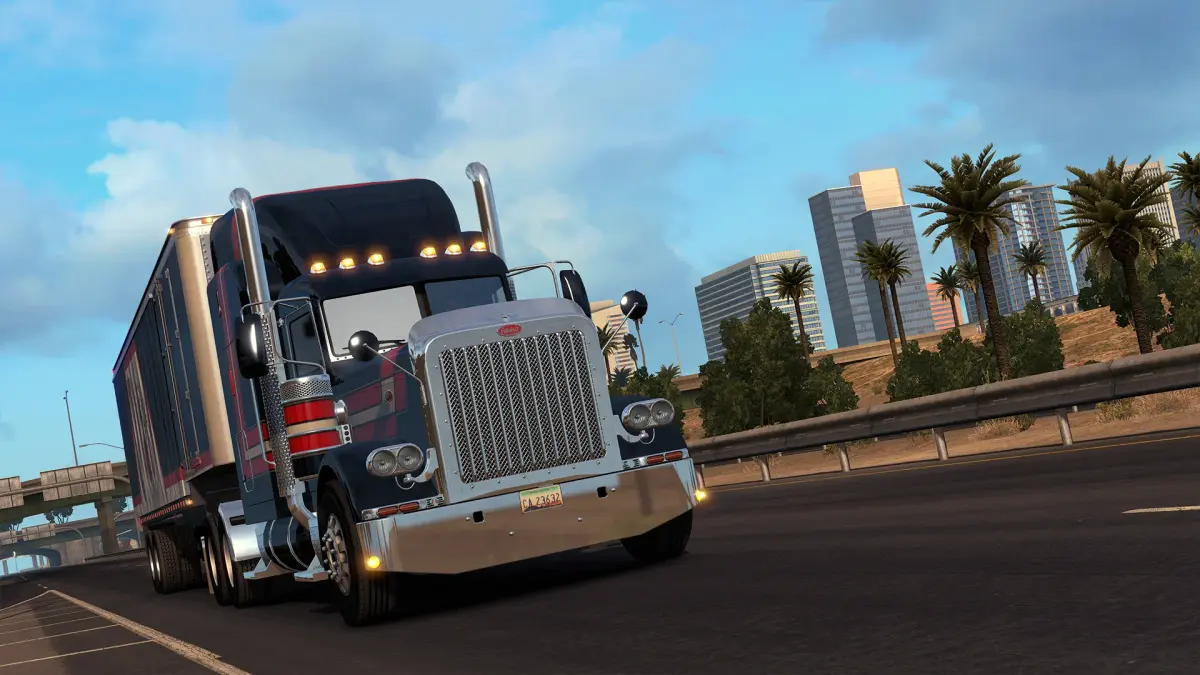
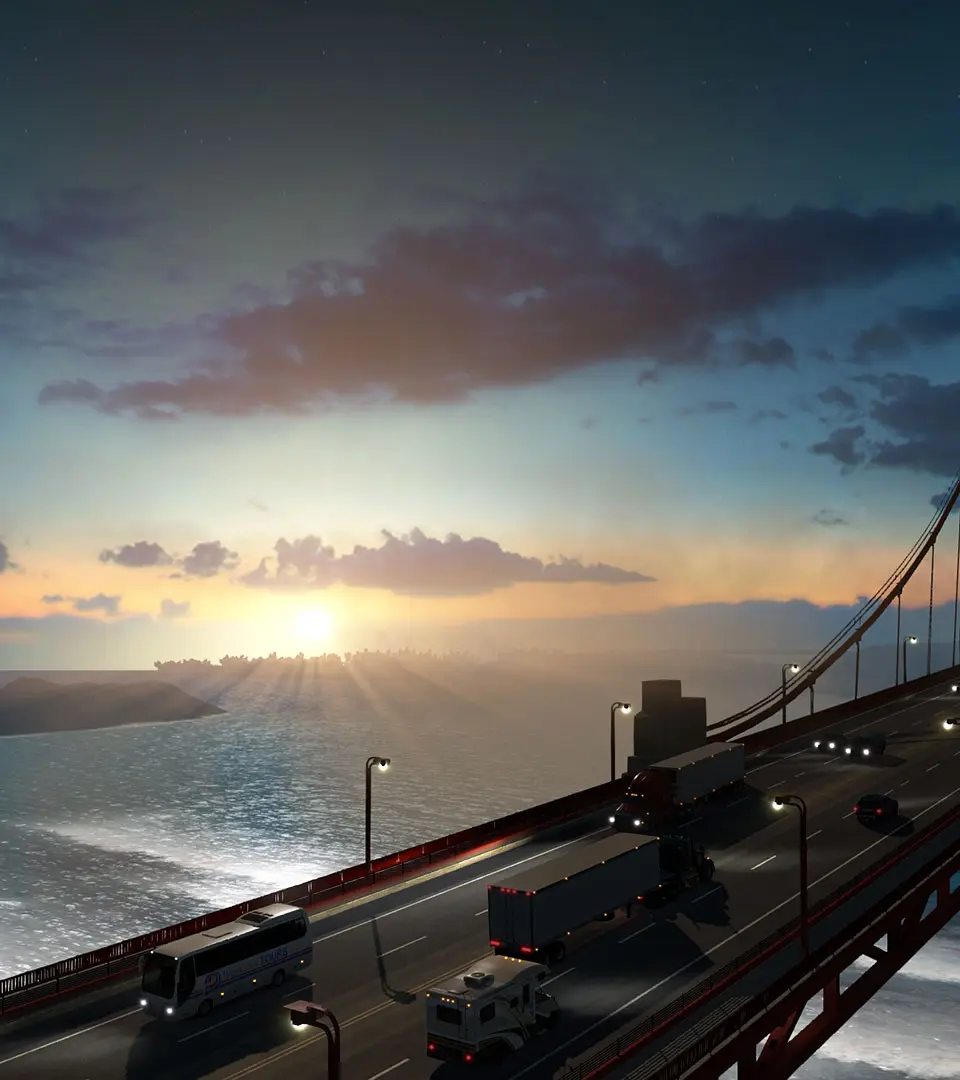
Learn how to use the Photo Mode in American Truck Simulator to capture stunning screenshots and share them with the community. Enhance your trucking experience with visual storytelling.
American Truck Simulator offers a rock-solid Photo Mode that allows players to capture their trucking adventures in jaw-dropping detail. This guide will walk you through accessing and deploying the Photo Mode features, as well as how to share your creations with the rich ATS community.
Photo Mode Features:
- Accessing Photo Mode
- Camera controls (movement, rotation, zoom)
- Adjusting time of day and weather
- Applying filters and effects
- Hiding UI elements for clean shots
Community Sharing:
- Where to share your screenshots (e.g., Steam Workshop, forums, social media)
- Tips for creating engaging photo content
- Understanding community guidelines for sharing
100% Human-Written. Community Verified. Learn how Ludo.guide verifies content