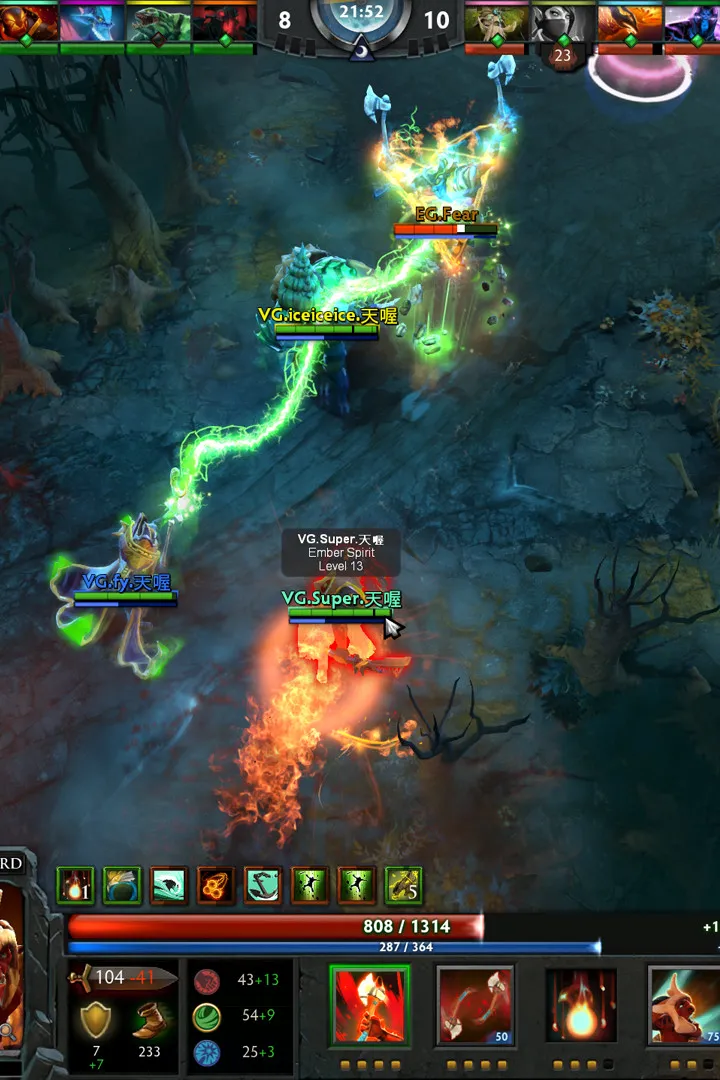
Learn essential Dota 2 hotkeys to improve your reaction time and efficiency in-game. This guide covers keybinds for abilities, items, camera control, and more.
This page lists the default hotkeys for Dota 2. Understanding and customizing these keybinds is make-or-break for efficient gameplay and quick decision-making. Below is a full table of actions and their corresponding default keys.
| Action | Default Key |
|---|---|
| Select Hero | Spacebar |
| Camera Control | |
| Move Camera to Hero | F1 |
| Select Unit 1 | F2 |
| Select Unit 2 | F3 |
| Select Unit 3 | F4 |
| Select Unit 4 | F5 |
| Select All Other Units | F10 |
| Select All Units | F9 |
| Quick Camera Grip | Middle Mouse Button |
| Abilities | |
| Ability 1 | Q |
| Ability 2 | W |
| Ability 3 | E |
| Ability 4 | R |
| Ability 5 | D |
| Ability 6 | F |
| Stop | S |
| Hold Position | H |
| Attack | A |
| Move | M |
| Items | |
| Item 1 | Z |
| Item 2 | X |
| Item 3 | C |
| Item 4 | V |
| Item 5 | B |
| Item 6 | N |
| Quickbuy | G |
| Courier Control | |
| Deliver Items | V |
| Courier - Take All | C |
| Courier - Return Items | R |
| Courier - Speed Burst | S |
| Courier - Shield | D |
| Courier - Recharge | E |
| Other | |
| Shop | P |
| Glyph of Fortification | Y |
| Show/Hide Chat | Enter |
| Ping | Alt + Left Click |
| Ping Minimap | Alt + Click on Minimap |
| Show/Hide Scoreboard | Tab |
| Show/Hide Hero Models | Ctrl + Alt |
| Show/Hide UI | Ctrl + K |
| Toggle HUD | Ctrl + Alt + K |
| Toggle Minimap | Ctrl + M |
| Toggle Hero Portrait | Ctrl + H |
| Toggle Ability/Item Tooltips | Ctrl + T |
| Toggle Health Bars | Ctrl + V |
| Toggle Overhead Status | Ctrl + O |
| Toggle Player Names | Ctrl + N |
| Toggle Team Colors | Ctrl + C |
| Toggle Hero Icons | Ctrl + I |
| Toggle Ability Icons | Ctrl + A |
| Toggle Item Icons | Ctrl + L |
| Toggle Chat Bubbles | Ctrl + B |
| Toggle Kill Feed | Ctrl + K |
| Toggle FPS Display | Ctrl + F |
| Toggle Network Graph | Ctrl + G |
| Toggle Performance Graph | Ctrl + P |
| Toggle Console | ~ |
100% Human-Written. Community Verified. Learn how Ludo.guide verifies content