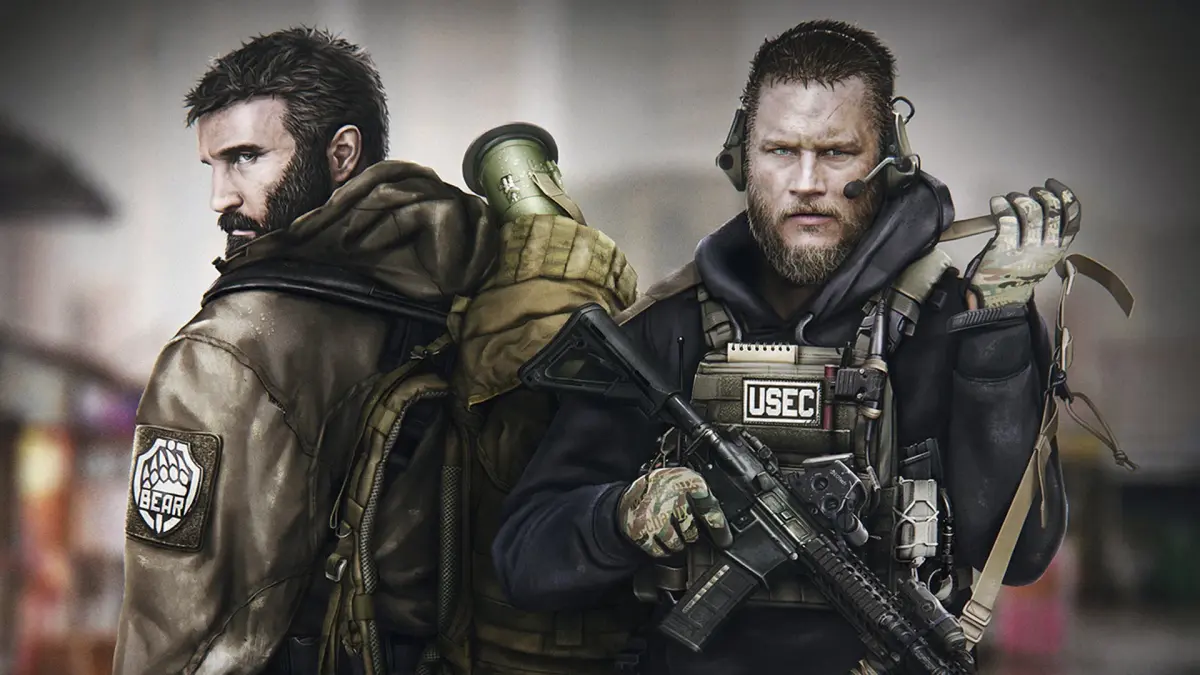
Learn how to use emotes and gestures in Escape from Tarkov to communicate with teammates and express yourself in-game. A comprehensive guide for all players.
Emotes and gestures are a way to communicate with other players in Escape from Tarkov, though their use is limited and often situational. While not as rock-solid as in other games, understanding how to perform them can add a layer of interaction to your raids.
| Action | Button/Keybind |
|---|---|
| Perform Emote/Gesture | Default: Y (Hold) - Opens emote wheel. Select desired emote with mouse or directional keys. |
| Specific Emote 1 (e.g., Wave) | Select from emote wheel |
| Specific Emote 2 (e.g., Point) | Select from emote wheel |
| Specific Emote 3 (e.g., Salute) | Select from emote wheel |
Note: Emote functionality and availability may vary with game updates. Ensure your keybinds are set correctly in the game's settings.
100% Human-Written. Community Verified. Learn how Ludo.guide verifies content