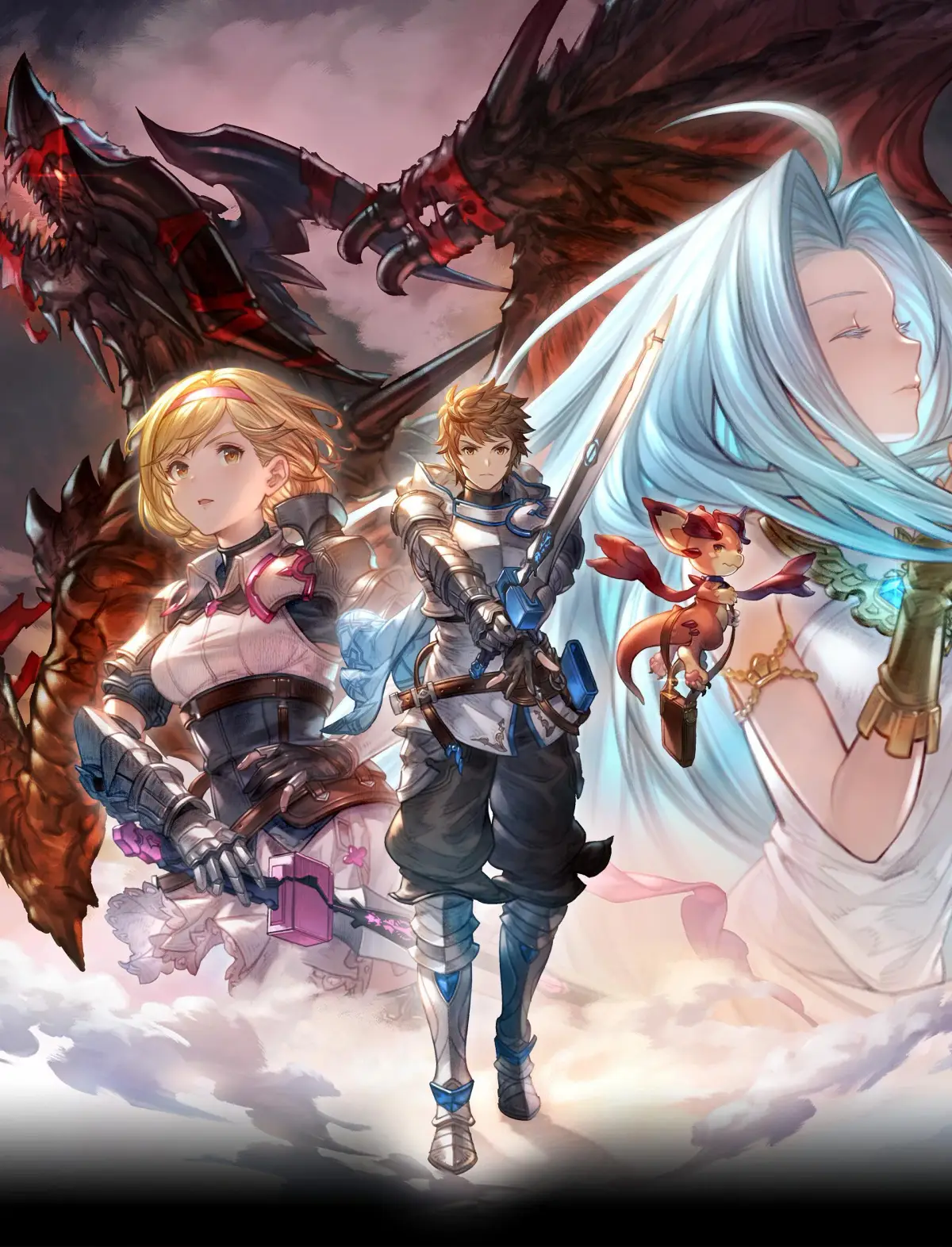
Welcome to Granblue Fantasy: Relink! This action-adventure JRPG drops you into a vibrant anime world where you'll navigate the skies, forge alliances, and battle formidable foes. You'll embark on an epic journey, taking on quests and uncovering core story elements as you progress through the game's chapters, from the Western Frontier to the snowy Shadowlands.
This guide is here to help you master every aspect of Relink. We'll cover your first steps, character choices, and how to conquer challenging boss fights. Whether you're aiming to collect every secret, achieve Gold Medals in missions, or simply understand the core mechanics, this walkthrough will provide the insights you need to succeed on PC and PlayStation.
Gameplay
Review key gameplay concepts and systems in Granblue Fantasy: Relink, including The Basics, Getting Around, Battle Mechanics, Masteries, and Other Features.
This chapter provides information about the essential gameplay concepts and systems within Granblue Fantasy: Relink. You can review this information before starting your adventure to be better prepared. Refer to it as needed throughout your journey for answers or to deepen your understanding of how the game functions. The details presented here can help you face the game's challenges with greater confidence.
This section includes information on:
- The Basics
- Getting Around
- Battle Mechanics
- Masteries
- Other Features
- Reviewing this chapter before starting can help you be better prepared.
- Refer to this section as needed during your playthrough for answers and understanding.
- The information provided can increase your assurance when facing challenges.
The Basics
Learn the essential controls, difficulty settings, assist modes, saving methods, and main menu options for Granblue Fantasy: Relink to enhance your gameplay experience.
This guide covers the fundamental aspects of Granblue Fantasy: Relink, including controls, difficulty settings, assist modes, saving, and the main menu.
Controls
The game offers multiple controller button mapping presets (Type A, B, C) accessible from the System menu. The following table details the default Type A mappings for PlayStation and Steam controllers, distinguishing between Town and Battle controls.
| PlayStation | Steam | Town Controls | Battle Controls |
|---|---|---|---|
| Attack | |||
| Interact | |||
| Unique Attack | |||
| Jump | |||
| Check/Cancel | Link Attack | ||
| Use Green Potion (Long Press) | |||
| Use Blue Potion (Long Press) | |||
| Use Revival Potion (Long Press) | |||
| Use Mega Potion (Long Press) | |||
| Toggle Target Lock On/Off | |||
| Activate Skill ( + or + or + or ) | |||
| Shortcuts | |||
| Guard | |||
| Dash (Hold) | Dash (Hold) | ||
| Dodge | |||
| Move Character | Move Character | ||
| Move Camera | Move Camera | ||
| Switch locked target | |||
| Dash | Dash | ||
| Map (Long Press) | Map (Long Press) | ||
| + | + | Skybound Art | |
| Main Menu | Main Menu/Pause Menu | ||
| Communication Tools (Communication Wheel Long Press) | Communication Tools (Communication Wheel Long Press) |
Difficulty Level
- Story: For a cinematic experience with easier combat.
- Action: The standard difficulty, balancing story and combat.
- Hard: For players seeking a challenge and testing their action-game skills.
Clearing the main story on any difficulty unlocks (Ultimate), the highest main story difficulty.
Assist Mode
Assist Mode helps players focus on the story by automating combat actions. It can be activated in the
Gameplay (2)
Review key gameplay concepts and systems in Granblue Fantasy: Relink, including battle mechanics, Masteries, and how to get around.
This section provides information about the key gameplay concepts and systems in Granblue Fantasy: Relink. Review this chapter before you start your adventure to be better prepared. Refer to it as needed along your journey for answers or for better understanding of how the game works. The information here can help you face the game's challenges with more assurance.
Jump to a Gameplay section:
- The Basics
- Getting Around
- Battle Mechanics
- Masteries
- Other Features
Battle Mechanics
Learn Granblue Fantasy: Relink battle mechanics including movement, attacks, skills, combos, and damage caps. Master combat actions to defeat your foes.
- 1Battle Screen Elements: Familiarize yourself with the battle screen, which displays current objectives, party status (HP gauge, Skybound Art gauge, buff/debuff icons, character element), enemy status (HP gauge, Overdrive status, buff/debuff icons), enemy elemental weakness, battle messages, potion inventory, character comments, battle actions, and link status.
- 2Movement: Move around the field using the designated button.
- 3Target Lock: You automatically target the nearest enemy. Toggle Target Lock on/off and change targets using specific buttons.
- 4Normal Attack: Press the normal attack button to perform your character's basic attack, which varies by character.
- 5Unique Attack: Press the unique attack button to execute a stronger attack.
- 6Charged Attacks: Hold the unique attack button to perform a charged attack upon release.
- 7Aerial Attacks: Jump using a specific button. Most characters can attack in mid-air. A jump followed by a normal attack can launch enemies for aerial follow-ups.
- 8Skills: Characters have damage, support, and recovery skills. Assign skills to face buttons in the Skills menu. Activate skills using specific button combinations. Skills have cooldown periods, measured in seconds (e.g., 30 seconds or 30s), before they can be used again. Using skills 50 times earns the Trophy/Achievement, "It's Called Skill."
- 9Guard: Hold a button to guard against enemy attacks, taking no damage. Guarding too long or blocking consecutive attacks can break your guard, leaving you defenseless. The guard animation changes from blue to yellow to red as it weakens.
- 10Perfect Guard: Unlock the Perfect Guard passive skill from the Defense Masteries tree. Guarding just before an enemy attack lands performs a Perfect Guard, which does not weaken your guard and adds to the stun gauges of nearby foes.
- 11Dodge: Press a button to evade enemy attacks, dodging backward. Control dodge direction with a specific input. Dodging more than three times in a row temporarily stuns you.
- 12Perfect Dodge: Dodge just before an enemy attack lands to perform a Perfect Dodge, granting temporary invincibility. This skill must be unlocked from the Defense Masteries tree.
- 13Combos: Chain attacks by repeatedly pressing the normal attack button. Most characters can perform combos of three or more hits, often followed by a Combo Finisher. An example combo is Normal Attack → Normal Attack → Normal Attack → Combo Finisher.
- 14Attack Loops: Sustain offense by chaining combos, finishers, charged attacks, and skills together. Attack loops are character-specific and allow for continuous offense beyond individual attacks.
- 15Dodge Cancel: Perform a Dodge during an attack loop to skip the animation of the last attack. This can speed up offense or allow repositioning. Some skill animations can also be skipped.
- 16Damage Caps: Granblue Fantasy: Relink imposes Damage Caps, limiting the damage dealt per attack type. For example, Rosetta's normal attack has a base Damage Cap of 9,999 HP, while her Roses are capped at 4,999 HP. Reaching a Damage Cap is indicated by consistently seeing the same damage number. Damage Caps are typically not an issue until Maniac and Proud Quests. Damage Caps can be raised through Offense Mastery nodes (for normal attack, skill, and Skybound Art damage) and Over Mastery bonuses.
- Mastering Perfect Guards and Perfect Dodges can significantly improve your survivability and offensive pressure.
- Experiment with different attack loops for each character to find the most effective combinations.
- Pay attention to enemy elemental weaknesses displayed on the battle screen to deal increased damage.
- Unlock Masteries nodes that increase your Damage Cap as your characters grow stronger.
Similar guides you might like





100% Human-Written. Community Verified. Learn how Ludo.guide verifies content