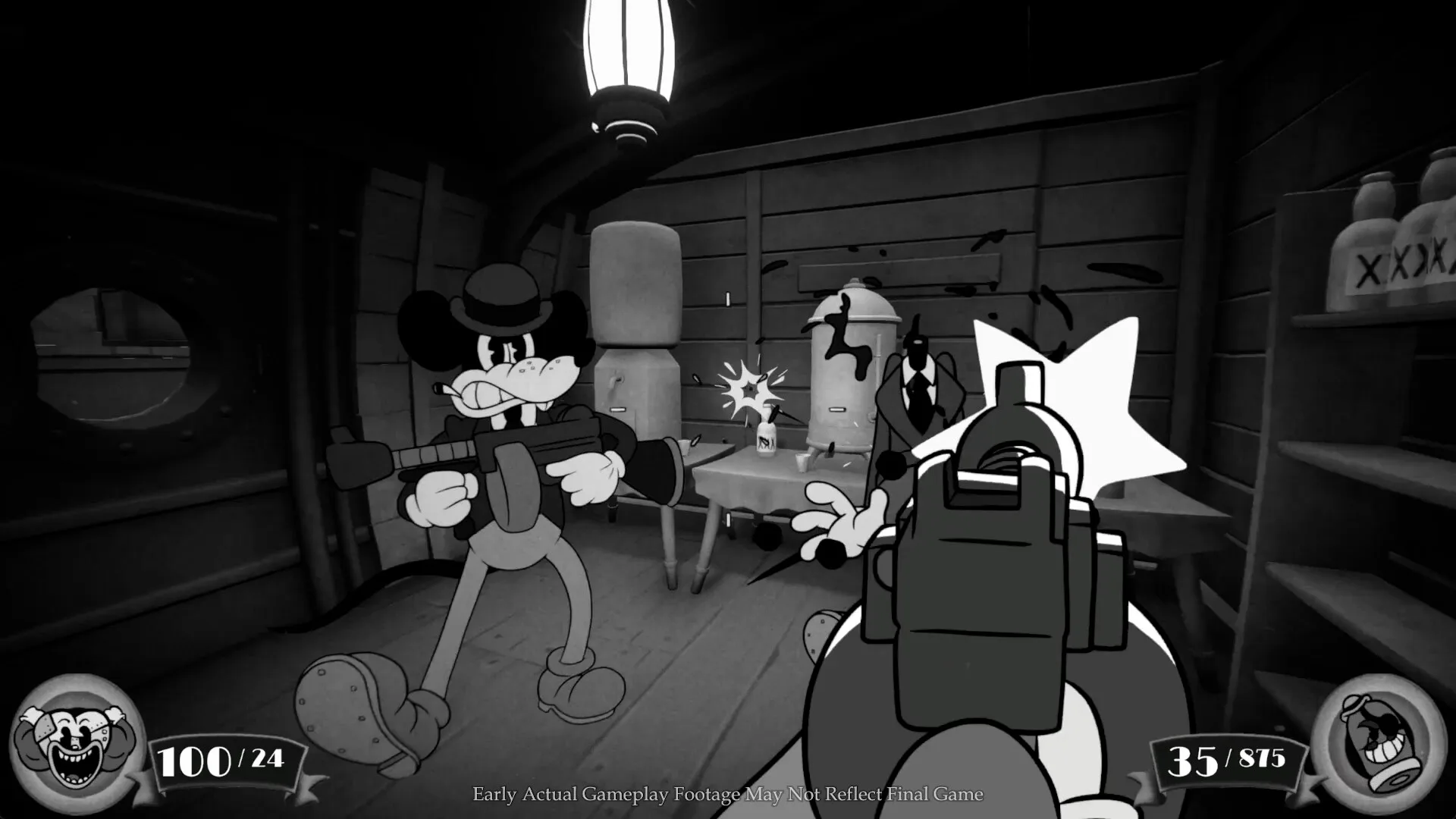
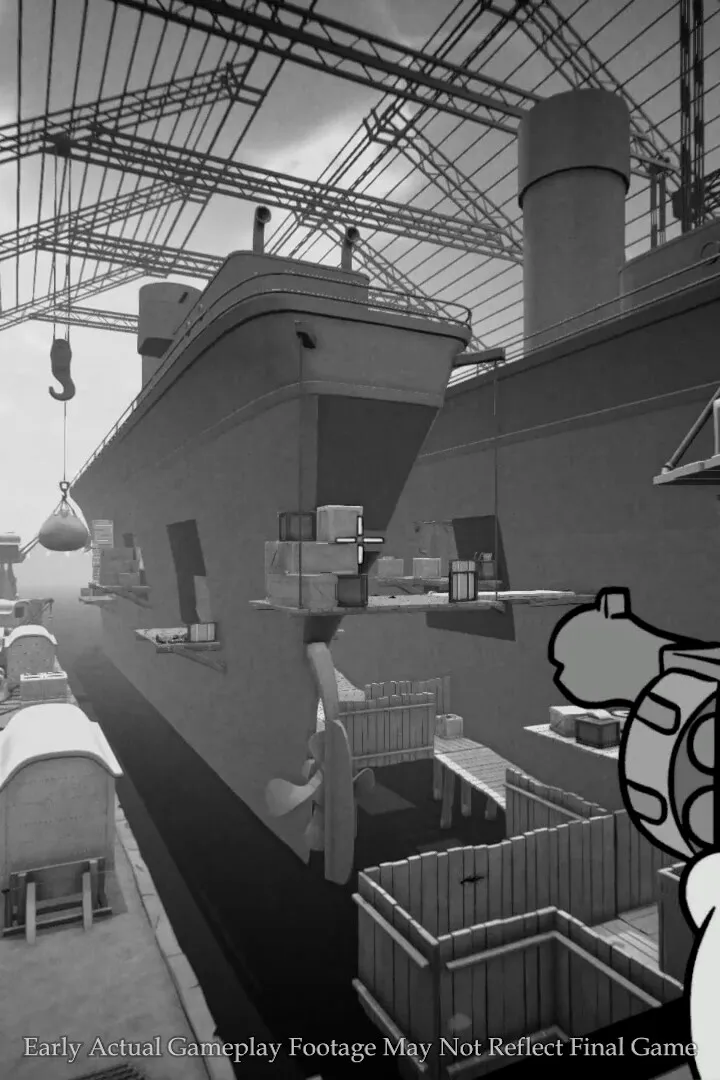
Learn the ins and outs of MOUSE's controls and user interface. Master every button and menu to navigate the game world like a pro.
Hey there! So you're diving into MOUSE and want to get a handle on how everything works? That's smart! Understanding the controls and the user interface (UI) is super important, and I'm here to walk you through it. Think of this as your quick-start guide to navigating the game world like a seasoned pro.
We'll cover everything from basic movement and combat inputs to understanding the different menus and information displayed on your screen. Getting comfortable with these will make your journey through MOUSE much smoother and more enjoyable. Let's get started!
| Site Interface | Guest | Free Member |
| Article Watchlist Get notifications on the latest updates to any article | ✅ | |
| Game Bookmarks Bookmark a game for quick access from any page | ✅ | |
| Cross-device Sync Data retention across devices | ✅ | |
| Light/Dark Theme Toggle Optional toggle for light/dark theme | ✅ | |
| User Profiles Save your username and profile image | ✅ | |
| Direct Feedback Send feedback on any article directly to Game8 | ✅ | |
| Comment Rating Use convenient features in the comments section, such as rating and sorting comments | ✅ | |
| Premium Articles Access exclusive members-only content | ✅ |
| Game Tools | Guest | Free Member |
| Interactive Map Access Navigate interactive maps | ✅ | |
| Interactive Map Pins Save pin progress on interactive maps | ✅ | |
| Interactive Map Comments Comment on pins in the interactive map | ✅ | |
| Interactive Map Pins Cross-Device Sync interactive map progress across devices | ✅ | |
| Check List Interactive checklists | ✅ | |
| Event Choice Checker Save loadouts for easy event checking in Umamusume Pretty Derby | ✅ | |
| Deck Builder Cross-Device Sync decks in Deck Builder across devices for Pokemon TCG Pocket, etc. | ✅ | |
| Message Board Notification Receive real-time notifications about updates and replies on your message board. | ✅ | |
| Message Board Cross-Device Sync threads in Message Boards across devices | ✅ | |
| Build Planner Enter ideal skills to generate builds for Monster Hunter, etc. | ✅ | |
| Stat Calculator Calculate stats and damage in ranked battles for Pokemon, etc. | ✅ | |
| Diagnostic Tool Answer questions to find your ideal class or weapon | ✅ | |
| Weapon/Armor Wishlist Wishlist feature for craftable weapons and armor | ✅ |
So, what's the deal with all these features? Basically, signing up for a free account on Game8 unlocks a ton of helpful tools that can really boost your MOUSE experience. You'll get things like article watchlists so you don't miss updates, game bookmarks for quick access, and even cross-device syncing, which is super handy if you play on multiple devices. Plus, you can customize your experience with light/dark themes and save your profile details.
The real power-ups come with the 'Game Tools.' Imagine having interactive maps with pins you can save and sync, checklists to keep track of your progress, and even tools to help you plan builds or calculate stats. These are designed to make managing your MOUSE adventure way easier. Don't miss out on these – they're free and can seriously level up your game!
100% Human-Written. Community Verified. Learn how Ludo.guide verifies content