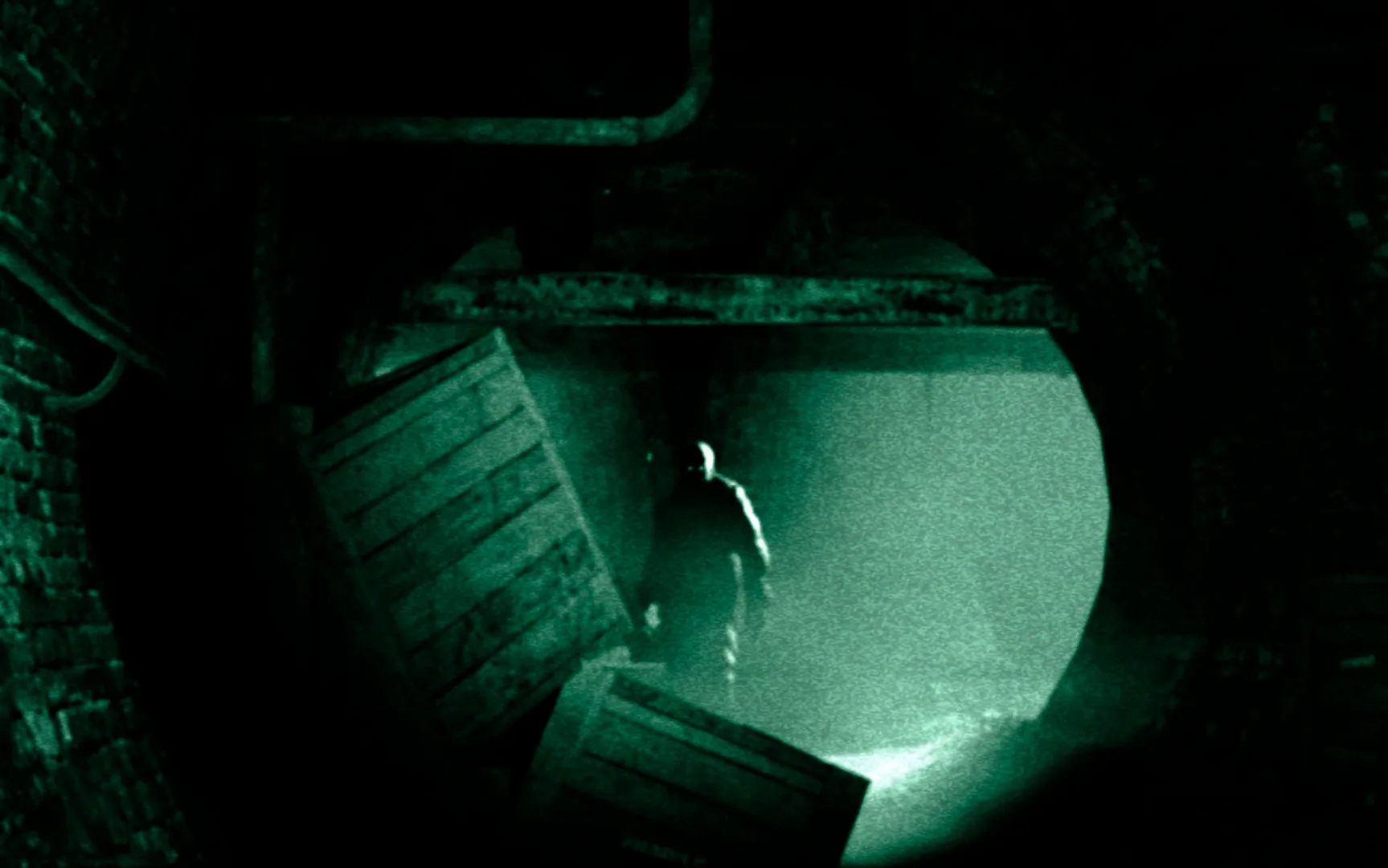
Navigate the Administration Block in Outlast Part 3. Learn about essential mechanics like using your camcorder, managing batteries, and finding crucial notes to uncover the asylum's dark secrets.
Walkthrough
- 1The game begins with Miles Upshur driving to Mount Massive Asylum. You'll receive your first document, [_WHISTLEBLOWER DOCUMENT_], from your car seat, along with batteries and your camcorder.
- 2The camcorder is make-or-break for night vision (drains batteries) and recording Notes, which are missable. Always keep it ready and scan ahead for notes. The "Pulitzer" trophy requires finding all notes.
- 3After exiting your vehicle, the massive doors will close. You can explore the guard shack and familiarize yourself with the camera's zoom and night-vision functions.
- 4Head towards a gate on the right. You'll receive a tutorial on opening doors: press Square for quick open, hold Square and move for slow open. Practice this skill.
- 5As you approach the asylum entrance, you'll get a tutorial on raising your camcorder (R1). Record the asylum to get the [_MOUNT MASSIVE ASYLUM NOTE_], which adds an entry to your Notebook.
- 6Outside the asylum, you can observe silhouettes in windows. The main entrance is locked. Head to the left corner of the area to find a hole in the gate.
- 7You'll receive a tutorial on crouching (hold Circle) to sneak in through the hole in the gate.
Tips
- Battery locations are randomized; don't rely on specific spawns mentioned in guides.
- Keep your camcorder out frequently, especially if not strictly following a guide, to catch missable Notes.
- In areas where you're trapped with an enemy, identify a safe hiding spot and explore from there. You can outrun all enemies, so running is a viable option if unsure. Avoid hiding when an enemy is directly watching you.
- Objectives, notes, and documents are accessed via your Reporter's Notebook (Control).
- Night vision on the camcorder drains batteries rapidly; use it only when necessary to conserve power.
- Save after each chapter to create checkpoints, especially if aiming to find all missable items and notes.
100% Human-Written. Community Verified. Learn how Ludo.guide verifies content