
In Hazelight Studios' third-person co-op sci-fi adventure, Split Fiction, you and a friend play as two aspiring authors signed to Rader Publishing. You'll navigate fractured realms created by Rader's reality-bending machine, uncovering a sinister plot as you go. Expect a story-rich experience focused on cooperative gameplay, where mastering weapons and solving pivotal objectives are key to progressing through the game's eight distinct chapters, each set in unique environments tied to the protagonists, Mio and Zoe.
This guide covers Split Fiction from beginning to end, helping you tackle every challenge. We'll walk you through weapon mastery, objective completion, and uncovering the secrets of the Chronomancer. Whether you're aiming to access the Archives or conquer difficult challenges like the super secret Laser Hell level, this guide ensures you achieve your ultimate goals.
Getting Started
Navigate the Neon Revenge chapter of Split Fiction with our comprehensive walkthrough. Master platforming, puzzles, and boss fights with character-specific tips for Zoe and Mio.
Getting Started
Navigate the Neon Revenge chapter of Split Fiction with our comprehensive walkthrough. Master platforming, puzzles, and boss fights with character-specific tips for Zoe and Mio.
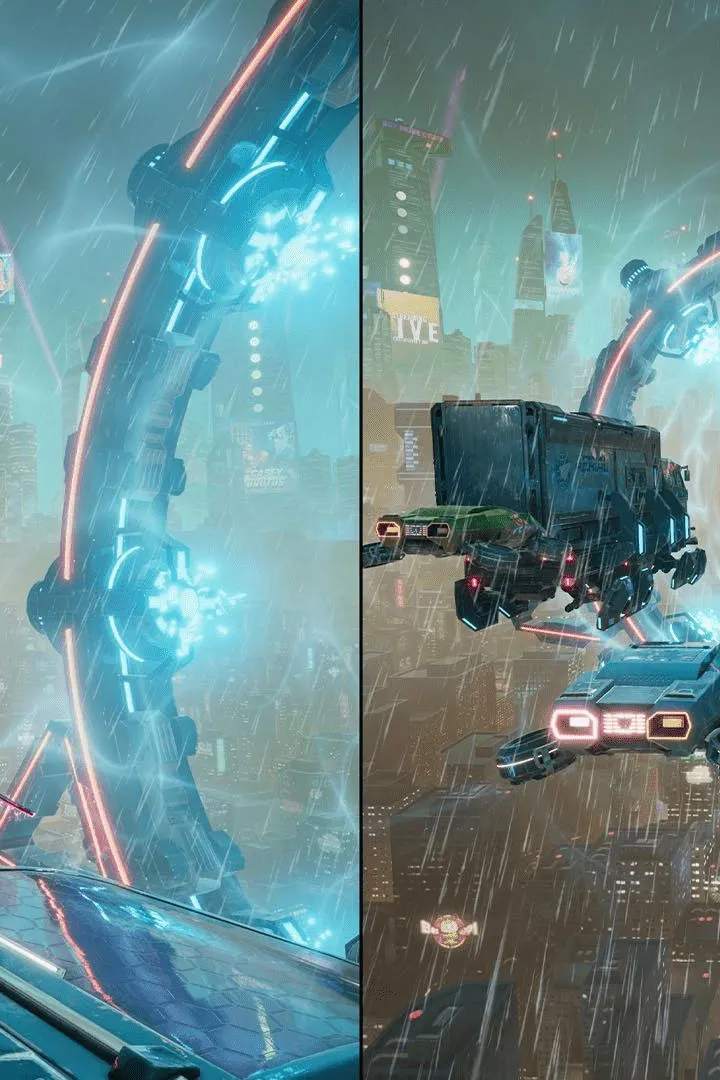
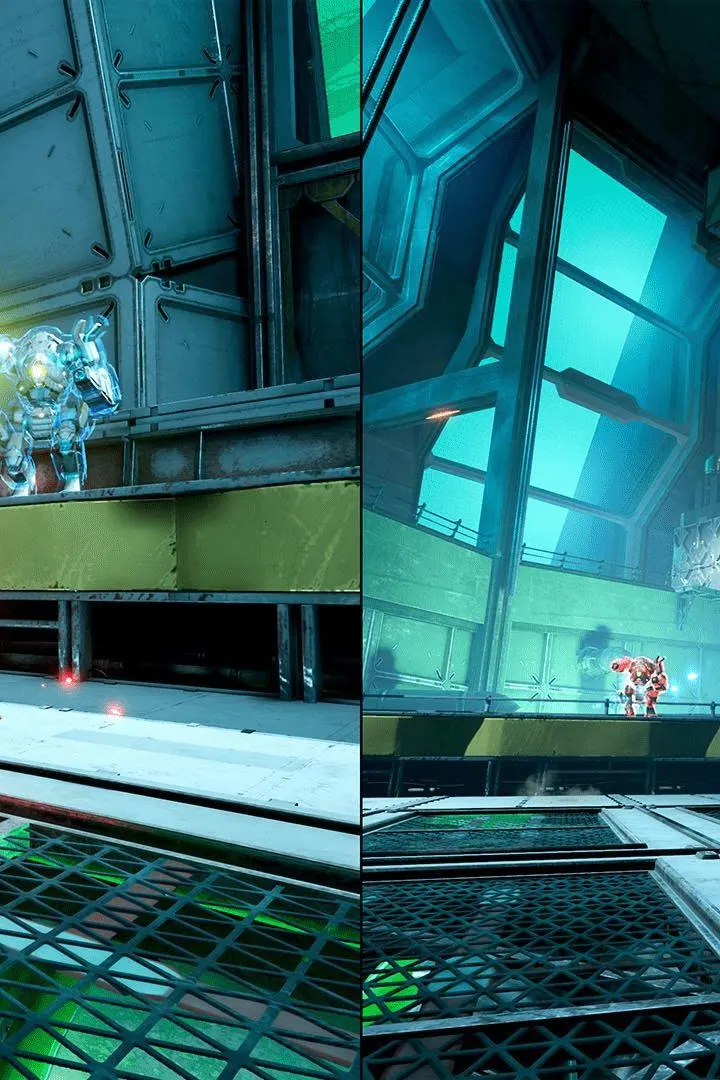
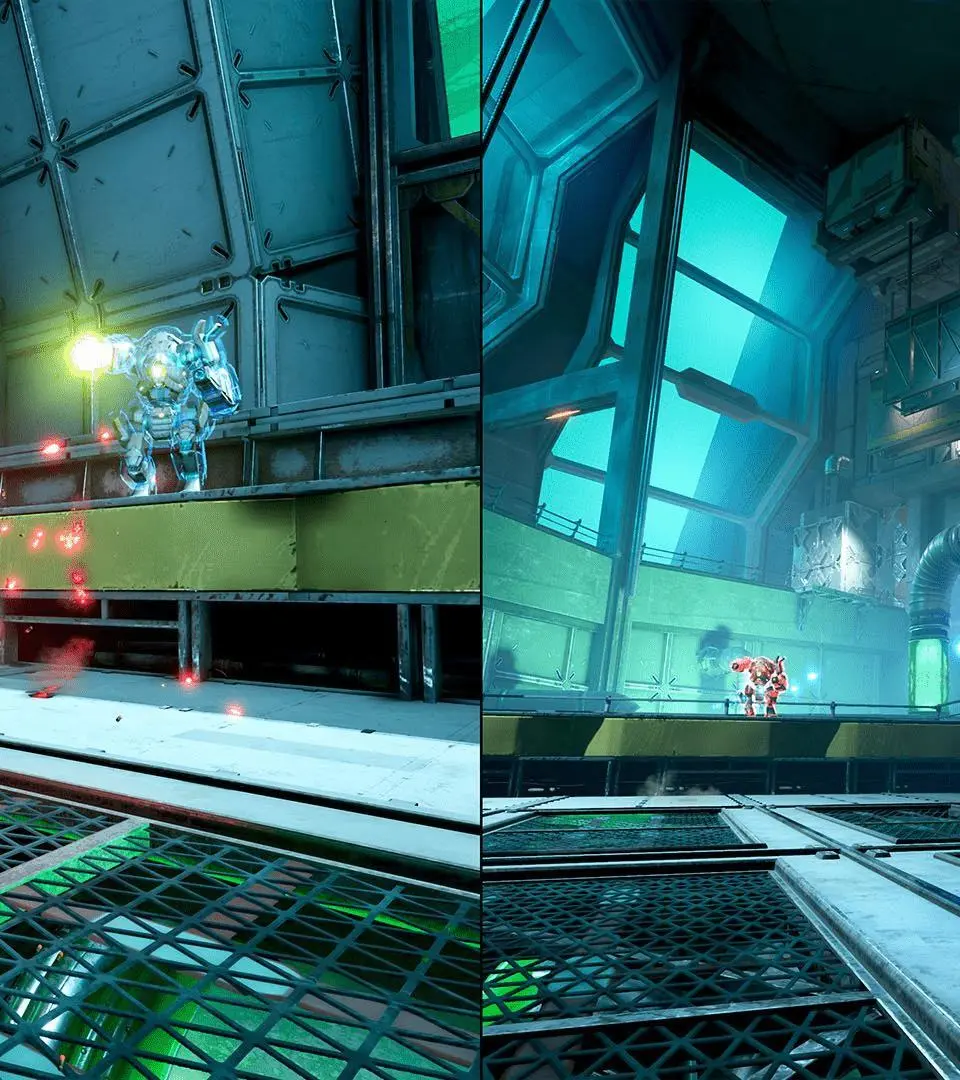
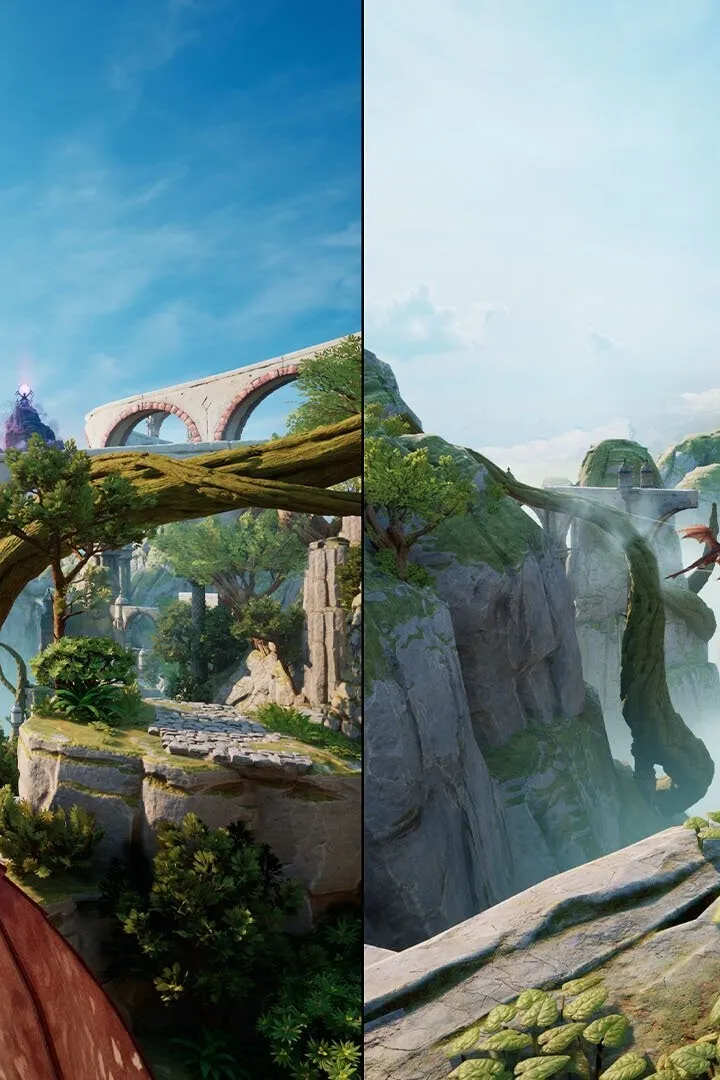
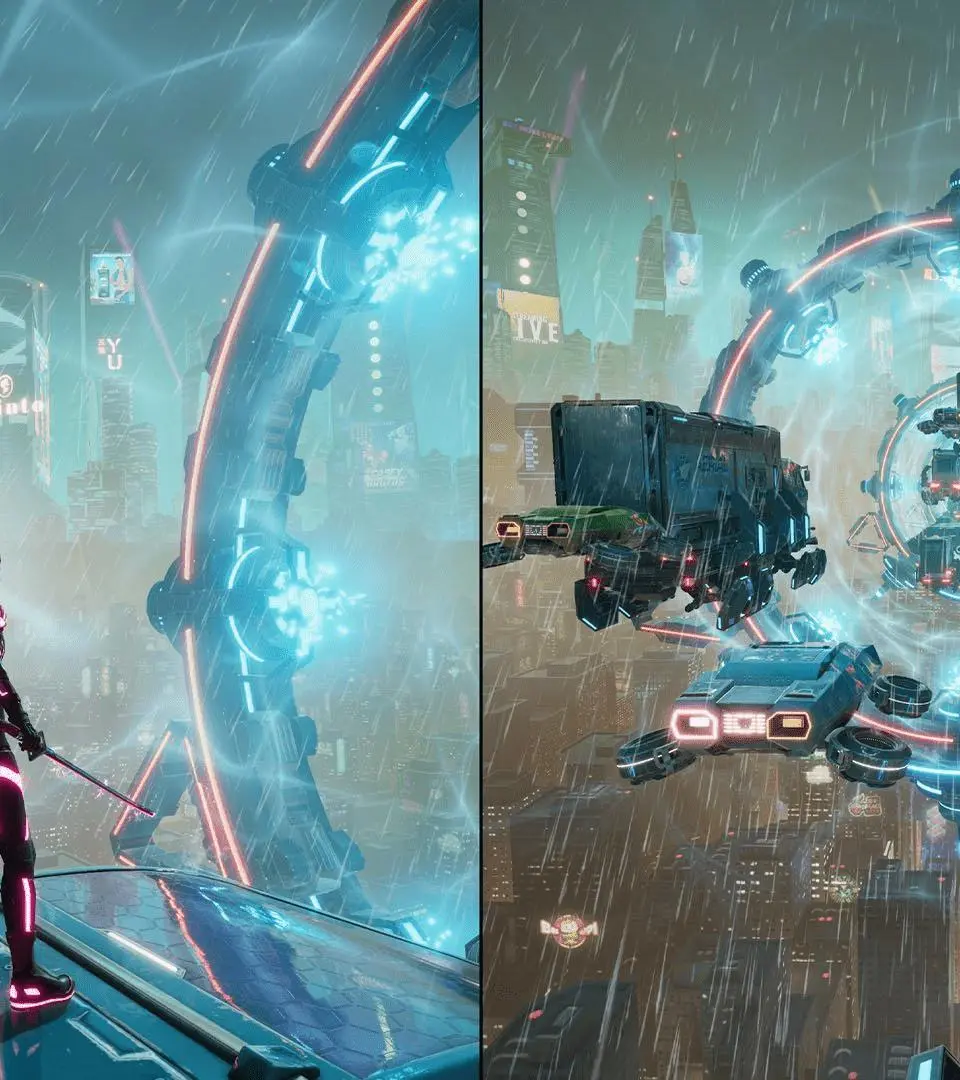
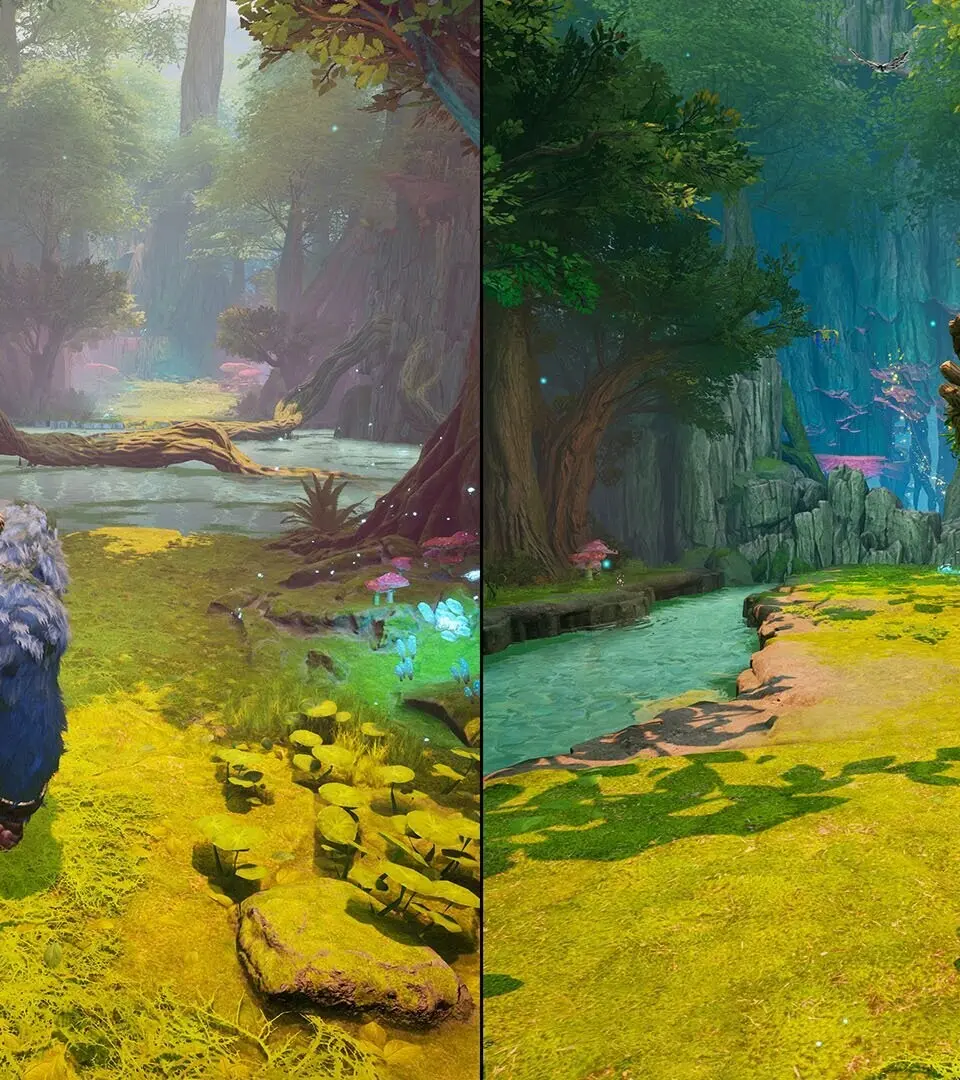
Controls & UI — Split Fiction Guide
Master Split Fiction controls & UI. Learn health, stamina, minimap, hotbar, and status effects for combat and exploration success.
Nailing the controls and understanding the User Interface (UI) are paramount to success in Split Fiction. A fluid command of your character and a clear grasp of the information presented on screen will significantly enhance your combat effectiveness, exploration efficiency, and overall enjoyment of the game. This section breaks down the essential controls and UI elements you'll encounter.
The game typically employs a standard third-person perspective, with movement controlled by the left analog stick (or WASD keys on PC) and camera by the right analog stick (or mouse). Combat actions are usually mapped to the face buttons or triggers, allowing for quick execution of attacks, dodges, and special abilities. For instance, a primary attack might be on the right trigger, a secondary attack or skill on the left trigger, and a dodge or block on a face button. Managing your inventory and skills is streamlined through dedicated menu buttons, often bringing up a radial menu or a more detailed screen.
Key UI elements to familiarize yourself with include:
- Health Bar: Displays your character's current health. Depletion leads to incapacitation or death.
- Stamina Bar: Governs actions like sprinting, dodging, and heavy attacks. It regenerates over time.
- Minimap: Provides a localized overview of your surroundings, showing points of interest, quest markers, and nearby enemies.
- Quest Log: Tracks your active quests, objectives, and relevant lore.
- Hotbar/Skill Bar: Allows quick access to equipped abilities, potions, and items.
- Status Effects: Icons indicating buffs (positive effects) and debuffs (negative effects) currently affecting your character.
Understanding how to quickly access your inventory to use healing items during combat, or how to cycle through your equipped abilities on the hotbar, is vital. Pay attention to visual cues on the UI, such as flashing icons indicating low health or a full special ability meter. Efficient navigation of the UI menus, especially during intense moments, can be the difference between victory and defeat.
Character Creation
Learn how to create your perfect character in Split Fiction with our expert guide. We cover all the options, from appearance to starting stats, to get you ready for adventure.
Character Creation
Learn how to create your perfect character in Split Fiction with our expert guide. We cover all the options, from appearance to starting stats, to get you ready for adventure.

Archetypes & Classes
Explore the diverse Archetypes and Classes in Split Fiction. Learn how to build your character and master unique playstyles with our comprehensive guide.
Split Fiction offers a variety of Archetypes and Classes, each with unique abilities and playstyles. This guide will help you understand the different options available to shape your character and gameplay experience.
- Archetypes: Discover the foundational roles that define your character's core strengths and weaknesses.
- Classes: Learn how to specialize within an Archetype, unlocking advanced skills and unique combat approaches.
- Synergies: Explore how different Archetypes and Classes can work together for powerful team compositions.
- Builds: Get insights into effective character builds for various playstyles, from tanking and damage dealing to support and crowd control.
Similar guides you might like



100% Human-Written. Community Verified. Learn how Ludo.guide verifies content