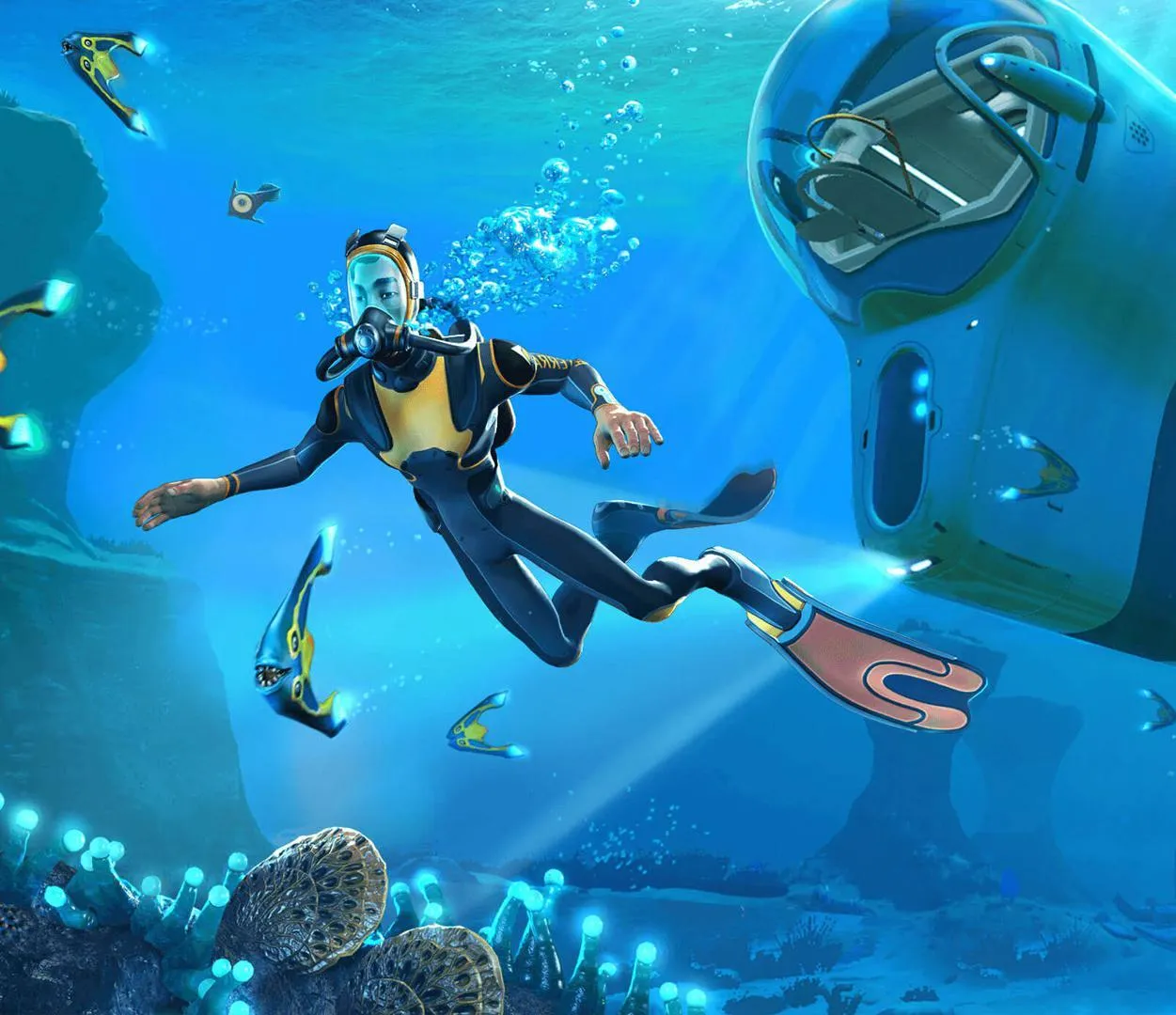
Welcome to Subnautica, a breathtaking first-person survival adventure where you play as Ryley Robinson, a 22nd-century space traveler who crash-lands on an alien ocean planet. Your mission: survive. You'll need to manage hunger and thirst, gather resources, and craft everything from basic tools to advanced submersibles to explore the vast, mysterious depths. It's a game that perfectly blends the thrill of discovery with the constant tension of the unknown.
This guide is here to help you conquer the challenges of Planet 4546B. We'll cover everything you need to know to thrive, from essential early-game survival tips and resource management to navigating dangerous biomes and understanding the alien ecosystem. Get ready to dive deep and uncover the secrets of this stunning underwater world.
Read Me First
Subnautica 2 guide outline for progression from beginning to end, with minimal spoilers and a focus on exploration.
This guide is intended to help you understand the general flow of Subnautica 2, assisting you in progressing from the start to the end of the game. It aims to avoid being frustratingly vague while preserving your sense of wonder and exploration, keeping spoilers to an absolute minimum.
The focus is on the progression flow, not on providing a detailed list of every blueprint, recipe, and location. For more detailed information, the wikia is an excellent supplementary resource. A future blueprint/recipe guide may be considered if demand is sufficient.
- Use the wikia for detailed information on blueprints, recipes, and locations not covered here.
- This guide prioritizes the overall progression of Subnautica 2.
- Spoilers are kept to an absolute minimum.
Read Me First (2)
Subnautica 2 guide outline for progression flow, minimizing spoilers and hand-holding. Explore the game at your own pace.
This guide is intended to help you understand the progression flow of Subnautica 2, offering a general outline from start to finish. It aims to avoid being frustratingly vague while minimizing spoilers to allow for your own sense of discovery. It is not a full catalog of every blueprint, recipe, and location. For more detailed information, the wikia is an excellent supplementary resource. A more detailed blueprint/recipe guide may be considered in the future if demand is sufficient.
- Use the wikia for detailed information on blueprints, recipes, and locations if this guide is insufficient.
- The guide prioritizes progression flow over exhaustive detail.
Recommended Mods
Discover Subnautica 2 mods like BlueprintTracker and BetterPowerInfo from Nexus Mods to enhance your gameplay experience. Learn about QModManager.
- 1QModManager by qwiso: This is a foundational framework required for nearly all other mods. It establishes the necessary Mod folder and configures the game to support mod functionality.
- 2BetterPowerInfo by randyknapp: This mod enhances base power management by providing more detailed information. Pressing the default key (P) cycles through no power info, basic power readouts (+X power, -X power), or a complete breakdown showing reactor output, current power consumption, and available power for devices. This helps identify issues like depleted reactor fuel or insufficient energy for machines like water filtration units.
- 3BlueprintTracker by randyknapp: Adds a pin icon next to blueprints in your PDA. When pinned, a HUD (heads-up display — the on-screen icons showing health, ammo and the minimap) element appears in the upper-right corner, displaying the target item and the quantity of each required ingredient you possess. This eliminates the need to constantly check your PDA for material requirements while exploring.
- 4EasyCraft by newman55: Allows crafting using materials directly from lockers without removing them. Crafting can be proximity-based to lockers or tied to a crafting station within the same base. An optional feature enables auto-crafting of components if materials and energy are available, consuming extra power to simulate crafting the component and then the final object.
- 5More Cyclops Upgrades by PrimeSonic: This mod offers significant enhancements to the Cyclops, potentially bordering on a cheat mod due to its power. It introduces new upgrade modules, allows upgrades for previously un-upgradable modules, and adds a podium for extra upgrade slots. It also includes a portable nuclear reactor module that requires nuclear materials and a new fabricator for its upkeep.
- 6MoreQuickSlots by randyknapp: Expands the default 1-5 quickslots up to 12, with customizable keybinds. This is particularly useful in Subnautica 2 where the inventory menu does not pause the game, reducing the hassle of managing multiple tools.
- 7Replenish Reactor Rods by alexejheroYTB: Allows recharging depleted reactor rods using uranite crystals, eliminating the need to discard them and find specific disposal methods.
- 8Map by newman55: Introduces a map feature with an optional fog of war that only reveals areas you have visited. The map displays your beacons and allows you to toggle them on/off by clicking their icons. The HUD icon defaults to a circle if you do not have the compass, maintaining a directional challenge.
- Always back up your save files before installing any mods.
- While these mods are reported to be stable, all mods carry an inherent risk of game crashes or save file corruption. The developers of Nexus Mods, the mod creators, and the author of this guide are not responsible for any issues that may arise.
- Consider the impact of mods on your first playthrough; some may alter the intended experience.
- The 'auto-craft' feature in EasyCraft can be disabled if you find it too 'cheaty'.
- The 'fog of war' on the Map mod can be turned off in the mod settings if you prefer a fully revealed map.
The Guide
Start your Subnautica 2 adventure with our comprehensive guide. Learn essential survival mechanics, crafting, and how to navigate the alien oceans of Planet 4546B.
This article serves as a walkthrough for Subnautica: Below Zero, offering gameplay tips and pointers for nailing the oceans. It contains spoilers and summarizes story events. If you encounter bugs, consult the Console Commands page.
Background: You play as Robin Ayou, an employee of Xenoworx, who infiltrates Planet 4546B to investigate her sister Sam Ayou's death.
Beginning: The game starts with Robin crashing in a shuttle pod during a meteor storm. After the intro, you gain control. Use WASD to walk, Left Shift to sprint, and the mouse to look. Open your PDA (Tab) to check Databank Entries. Collect the initial supplies: 3 Filtered Water Bottles, 3 Nutrient Blocks, and 9 Flares. Enable "Highlight interactable" in Accessibility options if needed. Pay attention to body heat when outside; use Thermal Lilies or burning wreckage to warm up. Swim to the Drop Pod.
Open Ocean: You'll enter the Shallow Twisty Bridges biome. Manage your Food & Water meters by eating and drinking. Cooked or Cured Fish, or edible flora like Bullseye Shrooms (harvested with a Survival Knife), can sustain you. Filtered Water is crafted from Bladderfish. The health bar indicates damage from fauna, flora, falls, or extreme temperatures; use First Aid Kits or wait for slow regeneration. Oxygen depletes underwater (faster below 100m without a Rebreather). Temperature drops in cold environments.
The Drop Pod is a safe zone with a storage locker and a Fabricator. Craft essential items: the Survival Knife, Scanner, and Standard O₂ Tank.
Important Tools: The Scanner is the quickest tool to craft, requiring a Battery and Titanium.
Similar guides you might like






100% Human-Written. Community Verified. Learn how Ludo.guide verifies content