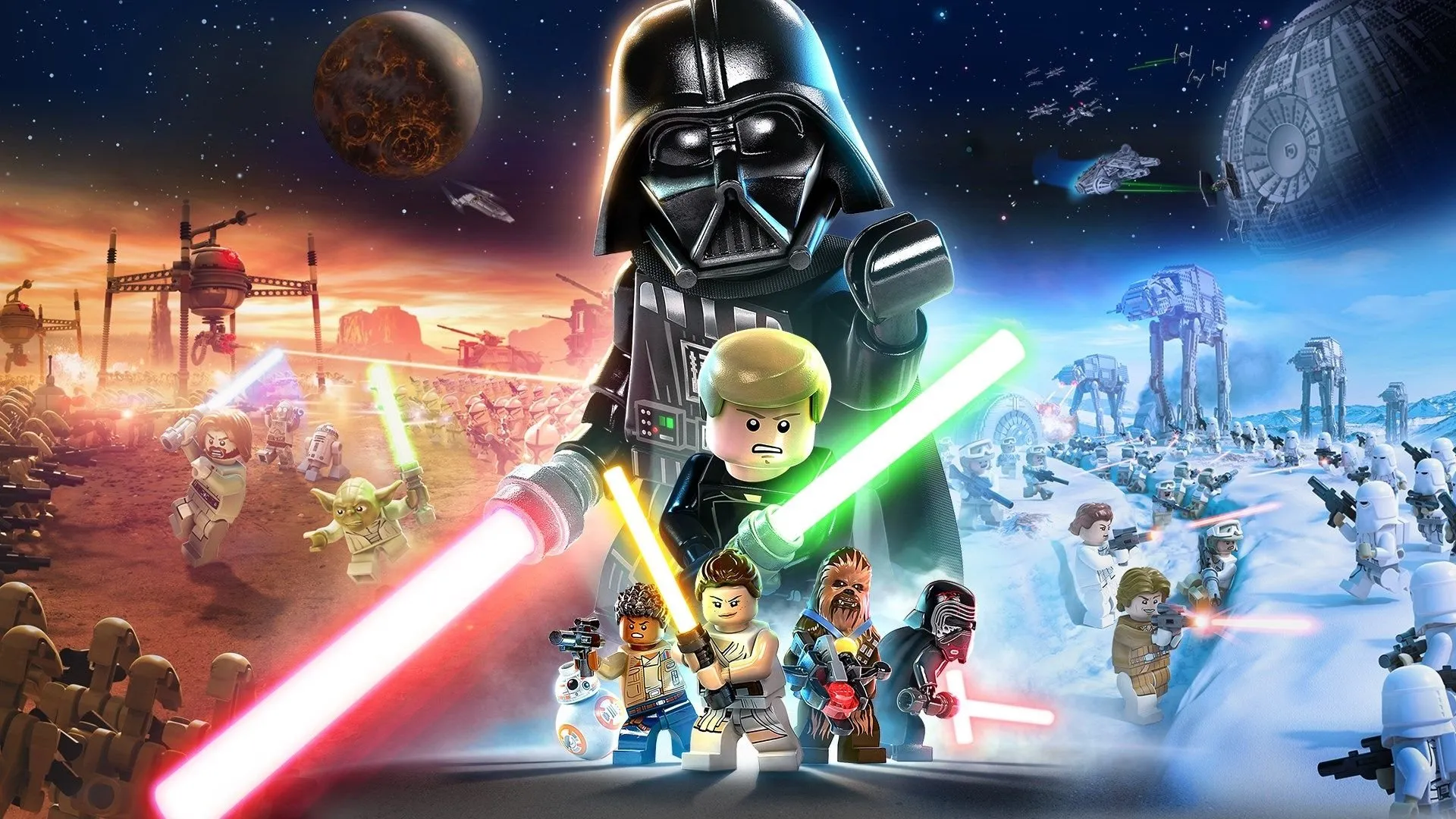
Welcome to the galaxy, kid! LEGO Star Wars: The Skywalker Saga lets you blast your way through all nine saga films, from The Phantom Menace to The Rise of Skywalker. It’s a massive LEGO adventure packed with the series’ signature humor and the freedom to explore iconic locations like Tatooine and Coruscant. Whether you’re reliving the epic space battles or just smashing droids for studs, this game lets you experience the Star Wars universe like never before.
This guide is your copilot for navigating the entirety of the Skywalker Saga. We'll help you track down every last collectible scattered across dozens of planets, master challenging boss fights against iconic villains, and unlock all the secrets the game has to offer. Get ready to achieve that coveted Gold Medal on every level and become a true Jedi Master of the Skywalker Saga.
Menus
Navigate menus in Lego Star Wars: The Skywalker Saga, including Main Menu, Options, and Accessibility. Adjust gameplay, audio, and display settings.
Main Menu Options:
- New Game: Begin a brand new adventure, selecting your save file first.
- Continue: Resume your adventure from your most recent save.
- Load Game: Choose a specific save file if you have multiple ongoing games.
- Options: Access the Options Menu for detailed settings.
- Accessibility: Open the Accessibility Menu for tailored gameplay adjustments.
- Change Language: Select your preferred text and audio language, which may vary by region.
- Additional Content: Opens your system's store to purchase DLC.
Options Menu Breakdown:
The Options Menu allows extensive customization of your Lego Star Wars: The Skywalker Saga experience.
- Gameplay Options:
- Fall Recovery: Turn off to lose studs upon falling; turn on to negate this penalty.
- Automatic Health Recovery: Enabled by default, slowly recovers health when damaged. Turning it off requires relying on Hearts from defeated enemies.
- Hints: Set to "Always On" to constantly display hints, "New Only" for first-time relevance, or "Off" to disable them.
- Analytics Preference: Choose whether to send data to developers; this does not affect bug fixes.
- Vibration: Toggle controller vibration on or off.
- Hold Button for Quick Taps: When enabled, hold buttons instead of mashing them during quick-time events (QTEs).
- Camera Sensitivity: Adjusts the speed of camera movement using the Right Stick.
- Invert Camera X-Axis (Left/Right): Reverses horizontal camera control with the Right Stick.
- Invert Camera Y-Axis (Up/Down): Reverses vertical camera control with the Right Stick.
- Camera Bob: When on, the camera shakes on uneven terrain in first-person mode.
- Invert Flight X-Axis (Left/Right): Reverses horizontal flight control with the Left Stick. Recommended for flight sim enthusiasts.
- Invert Flight Y-Axis (Up/Down): Reverses vertical flight control with the Left Stick. Recommended for flight sim enthusiasts.
- Flight Sensitivity: Adjusts the turning speed of starships in flight using the Left Stick.
- Invert Aim X-Axis (Left/Right): Reverses horizontal aiming camera control with the Right Stick.
- Invert Aim Y-Axis (Up/Down): Reverses vertical aiming camera control with the Right Stick.
- Aim Sensitivity: Adjusts the camera movement speed while aiming.
- Aim Assist: Improves accuracy with ranged weapons.
- Target Lock-on: Automatically snaps aim to the nearest enemy when the Aim button is pressed.
- Near-Target Slowdown: Slows aiming reticle movement as it approaches a valid target.
- On-Target Slowdown: Slows aiming reticle movement while focused on a target.
- Homing Shots: Provides assistance in aiming at targets not directly in your crosshairs.
- Controller Config: Customize input assignments, with exceptions for Pause and Holoprojector buttons.
- Audio Options:
- Master Volume: Controls overall game sound.
- Music Volume: Adjusts music playback level.
- Sound Effects Volume: Modifies the volume of sound effects.
- Dialogue Volume: Controls the loudness of spoken dialogue.
- Subtitles: Enable to display text for all spoken dialogue.
- Subtitles Text Size: Adjust the font size for subtitles.
- Dialogue Box Text Size: Modify the text size within dialogue boxes.
- HDR Calibration: Adjust White Level and Brightness using provided graphical scenarios.
- Display Options:
- Minimap (the small circular map in the bottom-left corner of your screen): Set to "On (Static)" for a non-rotating map, "On (Rotate)" for a map that turns with the camera, or "Off" to disable it.
- Map Icon Visibility: Choose "All Floors" to see icons on nearby levels or "Current Floor Only" for icons on your present level.
- Player Floor Markers: "Permanent" keeps markers on always, "Temporary" shows them upon switching characters, and "Off" hides them.
- Objective Text: "Always On" displays objectives constantly, "New Only" shows them when they change, and "Off" disables them.
- Objective Waypoint (a marker on your map you've manually placed as a destination) Arrows: Toggle directional arrows guiding you to objectives on or off.
- Regions: Displays the current map region in the lower left corner, above the minimap (cosmetic).
- Plug Guide Arrow: Shows purple arrows indicating where to place or retrieve items like batteries and keycards.
- Hint Alert: Displays a quick marker in the screen's center when a new hint appears.
- Tooltips: Enable to see control descriptions for specific states (e.g., saber dueling, flying) at the bottom of the screen. Options include regular size, small size, or off.
- Tooltip Alert: Shows a quick marker in the screen's center when a new tooltip appears.
- Credits: View the list of individuals who contributed to the game's development.
- EULA: Access the End User License Agreement.
Accessibility Options:
Adjust settings for a more comfortable gameplay experience.
- Subtitles: Turn on to display subtitles for spoken dialogue.
Controls
Navigate the galaxy with ease! This guide breaks down every button prompt for combat, vehicles, and general movement in Lego Star Wars: The Skywalker Saga.
Alright, let's get you up to speed on how to actually play Lego Star Wars: The Skywalker Saga. The controls have gotten a bit of an overhaul from previous LEGO games, but don't worry, it's pretty intuitive once you know what's what. You can tweak pretty much everything in the Controller Config Options menu, so feel free to make it feel just right for you.
We've broken down the controls into a few categories to make it easier to digest.
General Controls
These are your bread-and-butter actions for moving around and interacting with the world.
| PlayStation | Xbox | Switch | Control |
| Move Your Character | |||
| Move the Camera | |||
| Jump | |||
| Basic Attack | |||
| Interact Use Class Ability |
|||
| Enter or Exit Vehicle/Creature Hold down to use Mind Trick if a Force-User |
|||
| Sprint | |||
| Aim Ranged Weapon Defend and Focus (Lightsaber) |
|||
| Shoot Ranged Weapon Throw Lightsaber |
|||
| Center Camera Behind You (With Option) Focus Camera on Next Waypoint |
|||
| Change Character | |||
| Open Character Tab | |||
| Open Character Bar | |||
| Open Area Map | |||
| Open Pause Menu | |||
| Open Holoprojector |
Combat Controls
Things get a little more intense when blasters are firing and lightsabers are clashing!
| PlayStation | Xbox | Switch | Control |
| Jump Attack | |||
| Light Attack | |||
| Heavy Attack |
Vehicle Controls
Doesn't matter if you're piloting an X-wing or riding a Tauntaun, these will get you around.
| PlayStation | Xbox | Switch | Control |
| Steer Vehicle | |||
| Move the Camera | |||
| Hold to Accelerate Double Tap and Hold for a Speed Boost |
|||
| Hold to Brake | |||
| Fire Main Weapon | |||
| Fire Proton Torpedo | |||
| Roll Craft Left/Right Press Both for a Somersault or U-Turn |
That covers the basics! Don't be afraid to experiment in the game's menus to find the control scheme that feels best for you. Happy gaming!
FAQ
Frequently Asked Questions about Lego Star Wars: The Skywalker Saga. Find answers on gameplay, characters, collectibles, and more.
Q: What is _LEGO Star Wars: The Skywalker Saga_?
A: This is a LEGO-styled action game released in 2022 based on the _Star Wars_ space opera franchise, most particularly the nine episodes of the Skywalker Saga.
Q: Does this game follow any other _Star Wars_ properties like the other movies or the TV shows?
A: Only in tangential reference. There are some characters (including DLC) that are direct references to other media like _The Bad Batch_ and _The Mandalorian_, but the main focus is on the nine movies.
Q: Would this game be okay for my kids?
A: If you let your kids watch the movies, you'll be fine, because it's even toned down from those. Reference to the bad things that happen in those movies gets toned down and even some on-screen deaths just become "he got knocked out or away". Naturally there's disassembly via LEGO pieces, but the great thing about this franchise is that they can put characters back together.
Q: How much is this like the old _LEGO Star Wars_ from way back?
A: It's quite a bit different. Given all the LEGO games that have come out since, there's quite a bit more to explore, more open-world exploration of planets,
Q: Is there voice acting in this game? Who does what voice?
A: This game has some actors from the movies reprising the roles. In other cases, voice actors from animated series voice their characters. The remainder of the characters are new voice actors. Here's a list:
Live-Action Actors Returning:
- Anthony Daniels as C-3PO
- Billy Dee Williams as Lando Calrissian
- Brian Blessed as Boss Nass
- Matthew Wood as Battle Droids and General Grievous
- Steven Spiers as Captain Tarpals
- Lewis MacLeod as Sebulba
- Greg Proops and Scott Capurro as Fode and Beed
- Silas Carson as Ki-Adi-Mundi and Nute Gunray
- Andy Secombe as Watto
- Ralph Brown as Ric Olié
- Leeanna Walsmann as Zam Wesell
- Jay Laga'aia as Captain Typho
- Anthony Phelan as Lama Su
- Mark Dodson as Salacious Crumb
- Kipsang Rotich as Nien Nunb
- Greg Grunberg as Snap Wexley
- Jessica Henwick as Jessika Pava
- Ade Edmondson as Captain Peavey
- Hermione Corfield as Tallissan Lintra
- Naomi Ackie as Jannah
Actors returning from Animated Series and others:
- Tom Kane as Qui-Gon Jinn, Admiral Ackbar, and Yoda
- James Arnold Taylor as Obi-Wan Kenobi
- Matt Lanter as Anakin Skywalker
- Phil LaMarr as Jar Jar Binks and Kit Fisto
- Catherine Taber as Padmé Amidala
- TC Carson as Mace Windu
- Dee Bradley Baker as Jango Fett and the Clone Troopers
- Corey Burton as Count Dooku
- Daniel Logan as Boba Fett
- Fred Tatasciore as Darth Vader
- Sam Witwer as Darth Maul and Emperor Palpatine
Q: How can I replay a Story Mission in Free Play?
A: Access your Holoprojector Menu and tab over to "Episodes". Select an Episode, then select the Story Mission within that you want to try again.
Q: I'm searching for a collectible and there's nothing there! What do I do?
A: Come back later. One thing I only lightly touched on in the guide is that some side stuff is locked until you either complete other side stuff or main story stuff.
Q: I bought a Scavenger! Why can't I use their tools?
A: Because you need to learn how to use them via the Story. This happens in one of two places: during the mission "The Chewbacca Defense" with Wicket, or not long after "First Order of Business" on Jakku with Rey. Once you learn the tools in one of those places, all Scavenger characters will immediately have all tools forever.
Q: What are some good cheap ways to get all the character classes?
A: It largely depends on how you tackle the episodes, but here's some good ones to shoot for.
- Jedi: You get them right away in Episode I, and Old Ben Kenobi in Episode IV
- Hero: Every trilogy starts with a Hero or two.
- Scavenger: This is pretty rare. The most obvious one is Rey in Episode VII and she's preferred for two reasons: she comes up early and she learns her tools quickly. You have to learn Scavenger Tools before you can use them.
- Scoundrel: Han Solo and Chewbacca are the earliest ones.
- Bounty Hunter: Zam Wesell in Episode II is actually quite inexpensive as Bounty Hunters go, but Leia as Boussh is free. You just have to wait until Episode VI to unlock her that way.
- Villain: Finn in his stormtrooper armor is free, and Luke and Han in stormtrooper armor are also free, if a little later by comparison.
- Dark Side: Not really a priority, since Jedi and Sith are equivalent as far as puzzle solving goes. If you need one, Darth Vader is free, as is Kylo Ren, but they're pretty late in their trilogies.
- Astromech Droid: R2-D2 shows up immediately in Episode IV and a pretty short ways into Episode II. BB-8 in Episode VII is also quite early.
- Protocol Droid: C-3PO, of course, who shows up immediately in Episode IV. He's also available in other trilogies, but later on.
Q: What's a good place for stud farming?
A: The Federal District on Coruscant is a good spot for this. Once you finish Episode II there will be walkers you can hop in and pilot that can make the process even easier.
Gameplay Changes, Hints, and Tips
Master Lego Star Wars: The Skywalker Saga's gameplay with tips on True Jedi status, Minikits, Challenges, and essential upgrades like Multiplier Extras.
- 1Begin by selecting a Story Episode (I, IV, or VII).
- 2Follow objective markers to progress through Story Missions within each episode.
- 3Entering a Story Mission transitions you from galaxy exploration to a dedicated mission zone.
- 4Within each Story Mission, aim to achieve the following:
- True Jedi: Collect a target amount of studs. Reaching this status can award up to three Kyber Bricks per mission, distributed in thirds. This often requires thorough exploration and may be easier with multipliers.
- 5Minikits: Locate five hidden white minikit canisters. Many require returning in Galaxy Free Play (a mode for exploring the open world galaxy after completing an Episode). Collecting all five awards a Kyber Brick and completes a Micro Build Starship.
- 6Challenges: Complete three unique mission-specific challenges. These can involve time limits, using specific mechanics, or avoiding defeat. Completing all three awards a Kyber Brick.
- 7After completing a Story Episode, you gain access to Galaxy Free Play for open-world exploration.
Tips:
- Unlock and Upgrade: Prioritize purchasing Multiplier Extras first; earning a million studs allows you to buy the next multiplier, simplifying stud collection. General upgrades like Collectible Detector and Attract Studs are highly useful for exploration and gains. Speedy Sprint and Fast Build can also be handy. The Universal Translator Extra is convenient, eliminating the need to switch to a Protocol Droid.
- Story Progression: Do not feel pressured to achieve 100% completion on your first playthrough of Story Missions. You can return later in Galaxy Free Play with access to all character types to achieve True Jedi status, collect Minikits, and complete Challenges.
- Combat: While combat may appear complex, a simple approach of mashing the main attack button or shooting enemies is often sufficient. If enemies begin blocking your attacks, consider using a Jump Attack or Heavy Attack.
- Character Switching: Pay attention to
Similar guides you might like





100% Human-Written. Community Verified. Learn how Ludo.guide verifies content