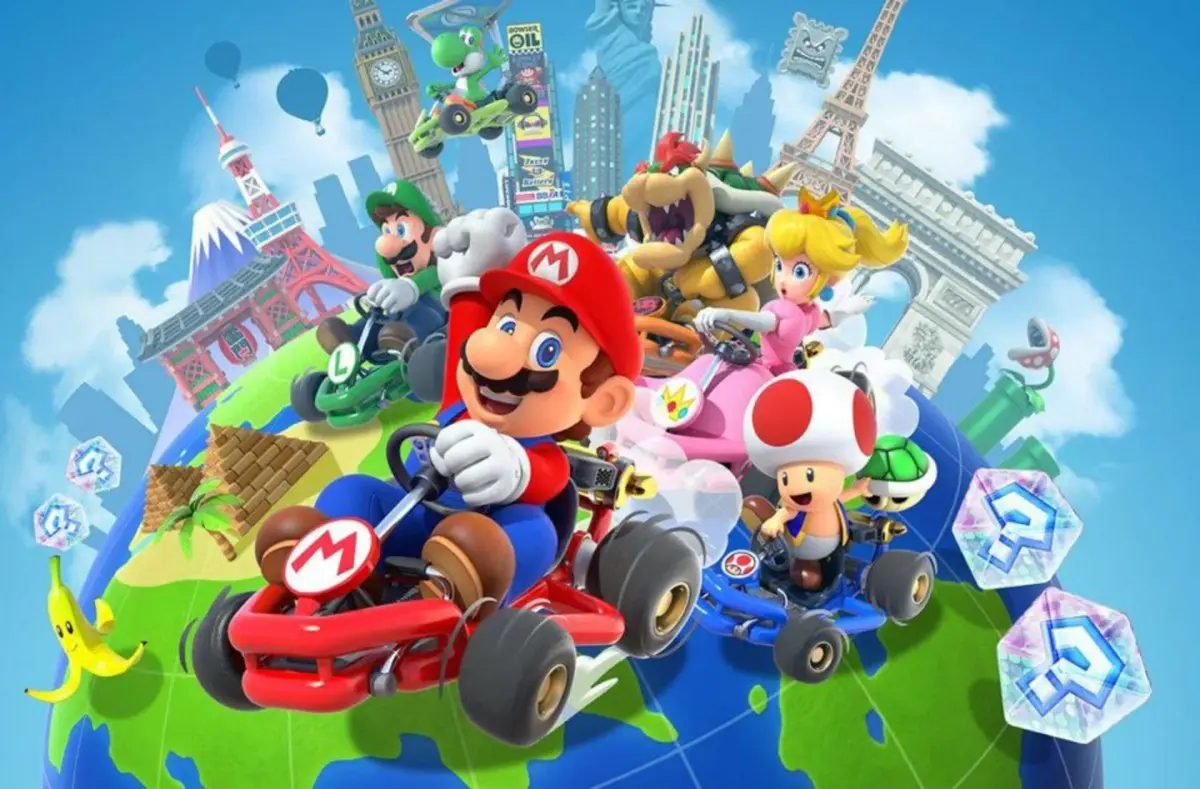
Understand the heads-up display (HUD) and screen layout in Mario Kart Tour. Learn about game interface elements.
The heads-up display (HUD) in Mario Kart Tour provides game-changing information during races. It includes elements like your current position, lap count, item slots, and speed. Understanding the HUD is essential for effective gameplay and strategy.
Tips
- Familiarize yourself with the placement of each HUD element before starting a race.
- Pay attention to the minimap (radar (your minimap with nearby blips and threats marked)) for opponent positions and upcoming obstacles.
- Note the item slots to plan your item usage effectively.
100% Human-Written. Community Verified. Learn how Ludo.guide verifies content