
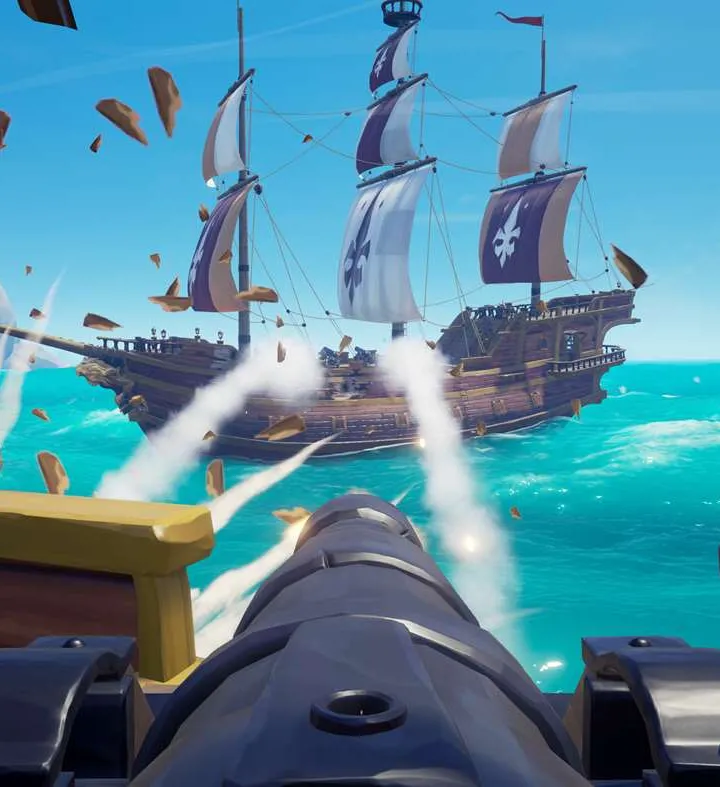
Navigate the seas with ease! This guide details all Sea of Thieves controls, UI elements, and essential mechanics for a smooth pirate adventure. Master your ship and inventory.
This guide covers the essential controls and user interface elements of Sea of Thieves, make-or-break for any pirate looking to navigate the seas effectively. Understanding these mechanics will enhance your gameplay experience, from managing your inventory to commanding your ship.
| Action | Button |
|---|---|
| Move Forward | W |
| Move Backward | S |
| Strafe Left | A |
| Strafe Right | D |
| Jump | Spacebar |
| Crouch | Ctrl |
| Sprint | Shift |
| Interact/Pick Up | E |
| Use Item | Left Mouse Button |
| Aim/Block | Right Mouse Button |
| Reload | R |
| Primary Action (Fire Weapon) | Left Mouse Button |
| Secondary Action (Melee/Special) | Right Mouse Button |
| Drop Item | G |
| Equip Item Slot 1 | 1 |
| Equip Item Slot 2 | 2 |
| Equip Item Slot 3 | 3 |
| Equip Item Slot 4 | 4 |
| Open/Close Inventory | Tab |
| Map | M |
| Emote Wheel | V |
| Voice Chat (Push-to-Talk) | B |
| Ship Wheel (Steer) | W/S or Left Stick |
| Sails (Raise/Lower) | A/D or Left/Right on D-pad |
| Anchor (Raise/Lower) | Spacebar or A button |
| Cannon (Aim) | Mouse or Right Stick |
| Cannon (Fire) | Left Mouse Button or X button |
| Repair Hull | E (when holding planks) |
| Bail Water | E (when near water) |
| Light Lantern | F |
100% Human-Written. Community Verified. Learn how Ludo.guide verifies content